This page was translated automatically from French. Français
Functionality
Passkeys, kept at home
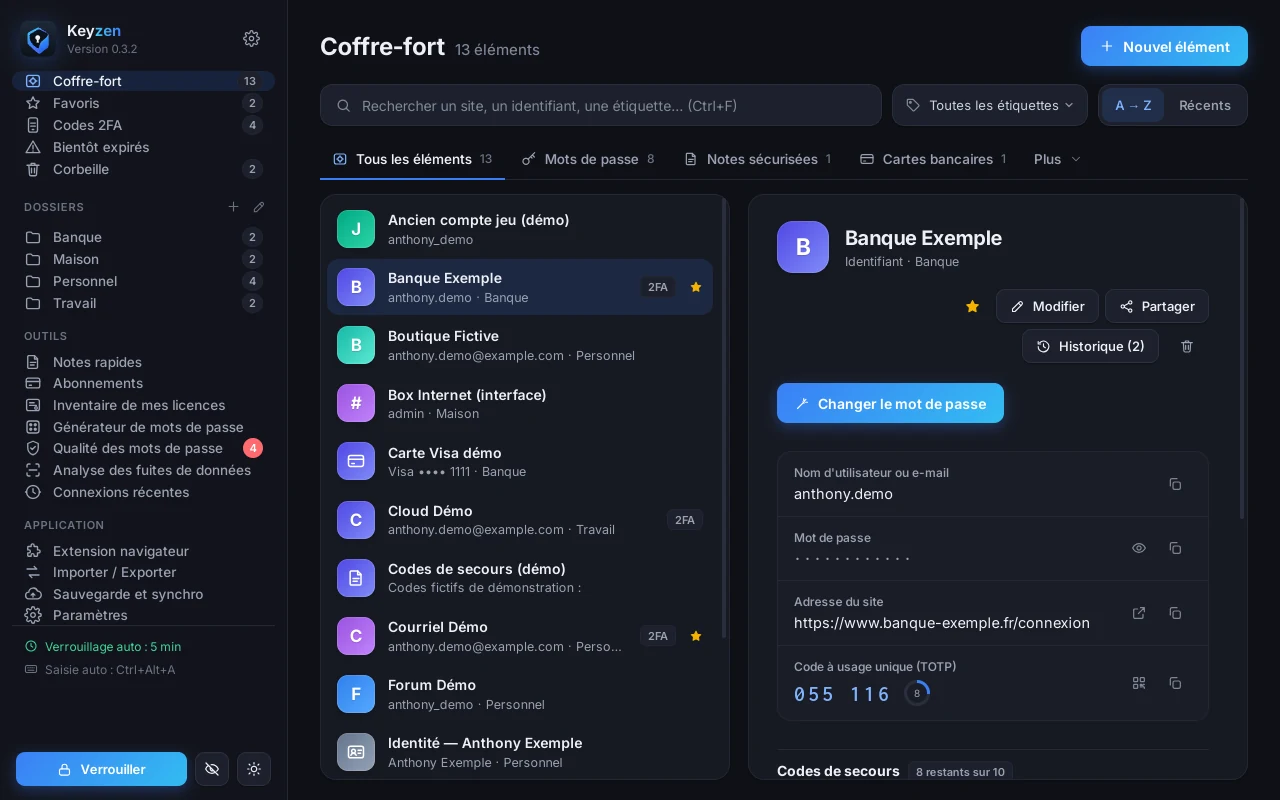
When a site offers a passkey, the Keyzen extension can create and use it. The key is encrypted in your vault, on your PC.
Keyzen downloads from your customer portal, once your subscription is active. How to download
How it works
- When a site asks for a passkey, a bar offers "Create the passkey" or "Use".
- Each creation or connection is confirmed by Windows Hello or by your main password.
- "Use browser / Windows" makes the request to the browser, intact, if you prefer.
- Without password saved for this site, Keyzen does not display anything: the browser responds directly.
Thought for safety
- ES256 keys created in the application and encrypted in the vault.
- The private key never leaves the application: neither page, nor extension, nor exports in plain language.
- Only in https; frames of another site and sites imitating a rejected safe.
- Passkeys follow the encrypted export, backups and synchronization of your vault.
Ready to take hold of your passwords?
Keyzen for Windows 10 and 11 (64 bits). Keyzen downloads from your customer portal, once your subscription is active.
Already a customer? Download from the client portal