This page was translated automatically from French. Français
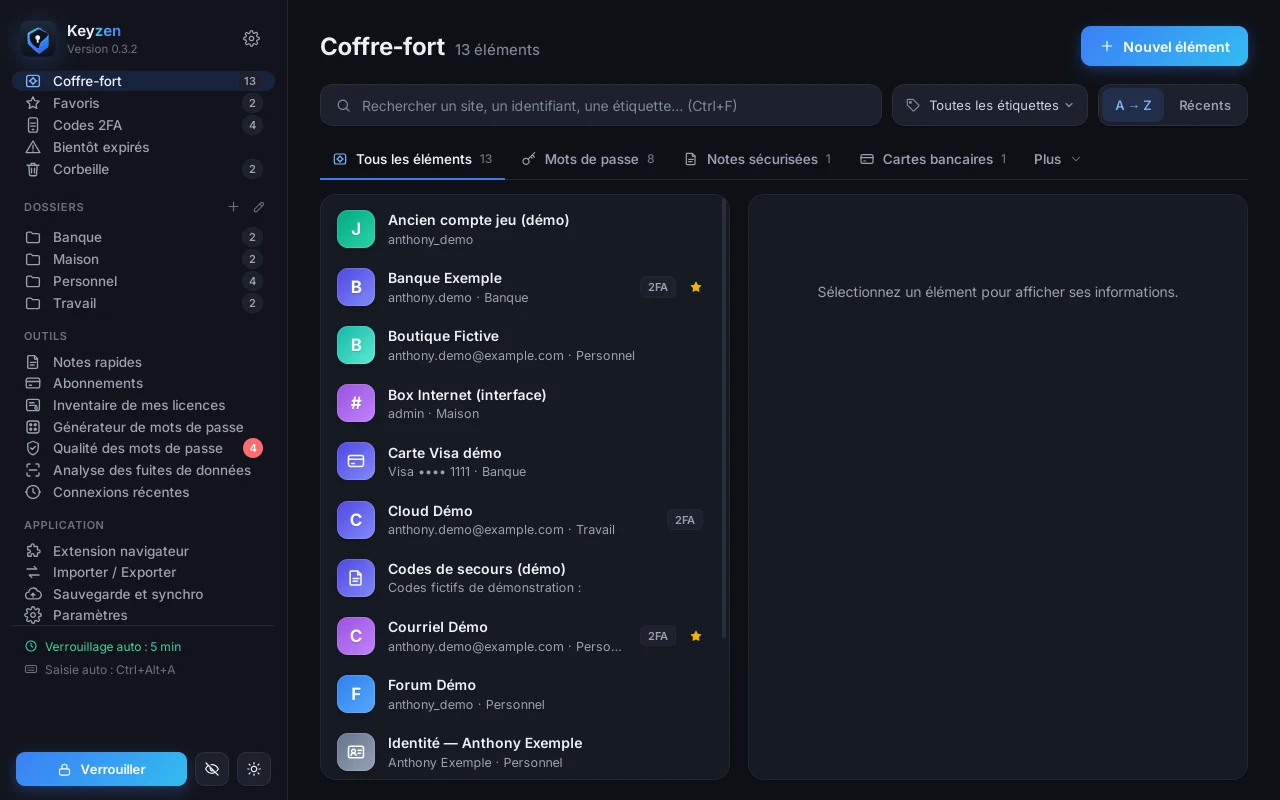
Import / migrate
Go to Keyzen in one click
Retrieve passwords stored in your browser or old manager. The format is recognized on its own.
Sources supported
- ChromeCSV file
- EdgeCSV file
- OperaCSV file
- BraveCSV file
- FirefoxCSV file
- NordPassCSV: IDs, cards, notes, identities
- BitwardenCSV or JSON not encrypted
- KeePass / KeePassXCCSV, XML or KDBX file (with password)
Also: Generic CSV and encrypted export of Keyzen. Codes 2FA : from Google Authenticator, see Codes 2FA.
How it works
- Export your passwordsFrom your browser or former manager, in any of the above formats.
- Choose the fileIn Keyzen : Import / Export. The format is automatically detected.
- Check previewEach item is listed, without passwords. Duplicates are automatically reported and unchecked.
- Confirm, then clear the file in plain languageKeyzen offers a button "Securely delete this file".
Keyzen never reads passwords stored in your browsers. The import is made only from an export file that you choose.
Ready to take hold of your passwords?
Keyzen for Windows 10 and 11 (64 bits). Keyzen downloads from your customer portal, once your subscription is active.
Already a customer? Download from the client portal