This page was translated automatically from French. Français
Functionality
Encrypted attachments and sharing without a server
Keep your important documents next to the identifiers that go with them, and pass access to a loved one without going through the Internet.
Keyzen downloads from your customer portal, once your subscription is active. How to download
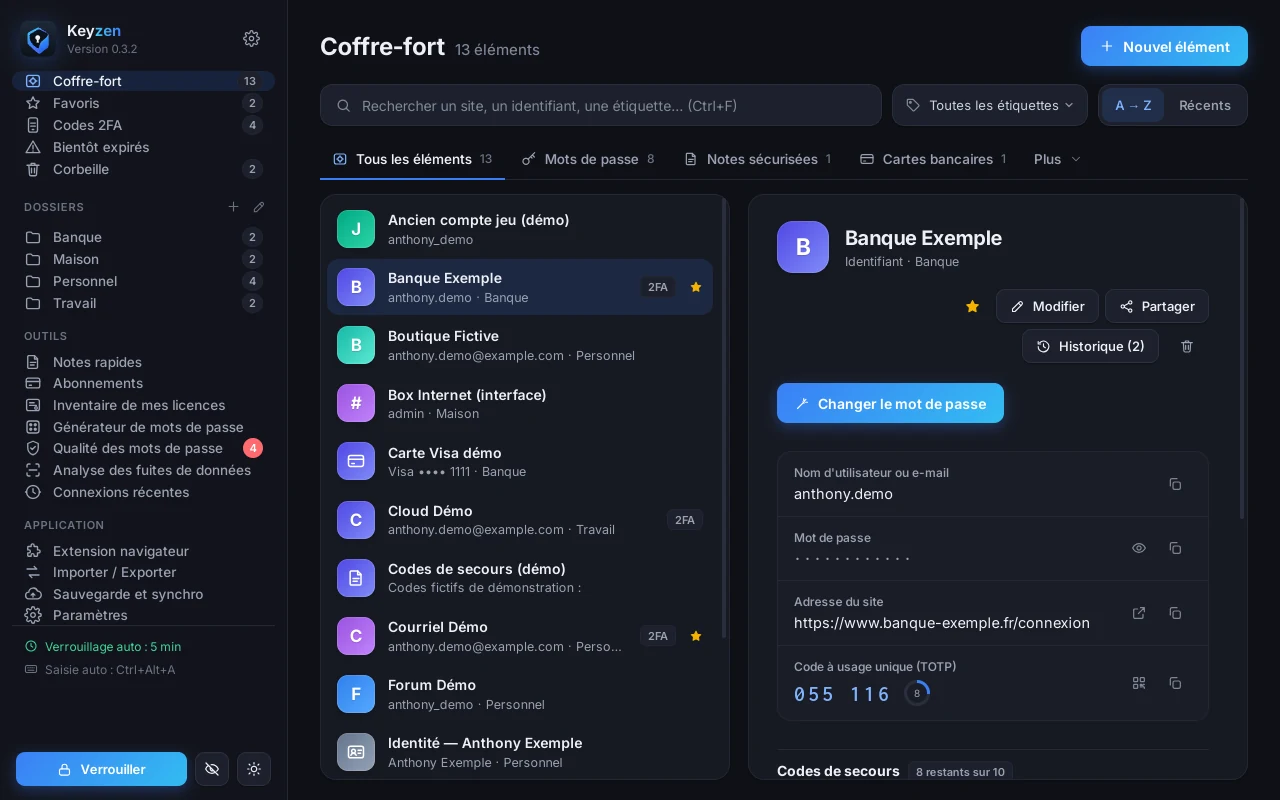
Encrypted attachments
- Each file is encrypted (XChaCha20-Poly1305) with its own key, kept in the vault, and its integrity is verified.
- Up to 10 MB per file, 20 files per item, 100 MB in total.
- Overview of images and PDFs, export, secure deletion.
- Copied with backups and folder synchronization.
Offline sharing
- Share an item as a encrypted file or QR code.
- Sharing is encrypted with a random code, to be transmitted separately to the recipient.
- Optional expiration, verified at import.
- Self-destruction sharing links are not yet available.
Ready to take hold of your passwords?
Keyzen for Windows 10 and 11 (64 bits). Keyzen downloads from your customer portal, once your subscription is active.
Already a customer? Download from the client portal